
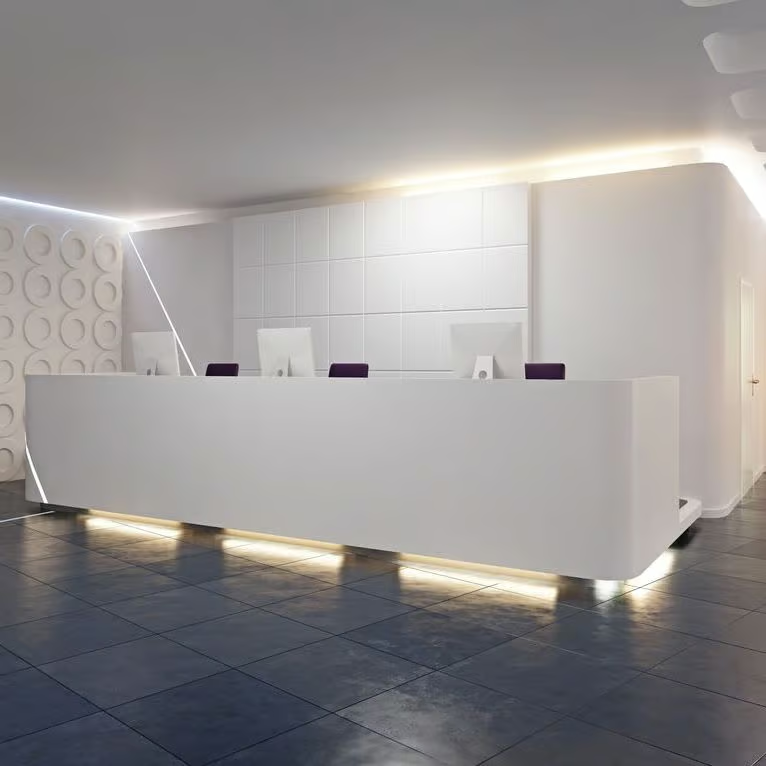
Medical Practice IT Setup & New Clinic Fit-Out
Setting up a new medical practice requires secure, compliant and scalable IT infrastructure. Rend specialises in medical practice setup, delivering complete IT design, installation and configuration for new clinics across Australia.
Opening a new clinic is exciting, but the technology side can quickly become a project of its own, especially once you realise how many moving parts have to land at the same time. You need networks, devices, clinical systems, telephony, internet, Wi‑Fi, printing, user access, backups and security controls all ready before the first patient arrives. If even one dependency slips, like cabling, internet delivery, device imaging, login provisioning, or the clinical system build, opening day can slip, and staff can lose confidence fast.
Rend helps you launch with a stable, healthcare‑ready setup that supports clinical workflow from day one. We plan your environment as a complete set of healthcare IT services, from connectivity and identity to clinical hosting, backup and security, so it works as a system instead of a pile of vendor handovers. You get a clear go‑live checklist and a practical cutover plan so rooms, reception and back office are ready to operate calmly, even if the final week is busy.
Get in touchOpening a new clinic is exciting, but the technology side can quickly become a project of its own, especially once you realise how many moving parts have to land at the same time. You need networks, devices, clinical systems, telephony, internet, Wi‑Fi, printing, user access, backups and security controls all ready before the first patient arrives. If even one dependency slips, like cabling, internet delivery, device imaging, login provisioning, or the clinical system build, opening day can slip, and staff can lose confidence fast.
Rend helps you launch with a stable, healthcare‑ready setup that supports clinical workflow from day one. We plan your environment as a complete set of healthcare IT services, from connectivity and identity to clinical hosting, backup and security, so it works as a system instead of a pile of vendor handovers. You get a clear go‑live checklist and a practical cutover plan so rooms, reception and back office are ready to operate calmly, even if the final week is busy.
Services
Explore our comprehensive service offerings
Genie Cloud Hosting
Best Practice (BP Premier)
Managed IT Services for Healthcare
Practice Management Software (PMS) Solutions
After‑hours support that prioritises clinical impact, fast triage, escalation and restoration.
Get in touch



Why Rend
With over 20 years of experience in Australian healthcare technology, Rend helps clinics open with the right systems in place from day one. We manage the full IT setup—from network and Wi-Fi to devices, telephony, security and backups—while working closely with clinical software vendors, internet providers and fit-out partners to ensure every element is aligned. Our thorough discovery and planning process ensures clinical and operational workflows are considered, enabling a smooth go-live where your team can focus on caring for patients from the very first day.
Dedicated Support
Security & Control
End-to-end Service
Compliance

A clinic launch plan that reduces delays and rework
Rend handles the full IT workstream, from early planning through to go‑live support. We coordinate with your builder, electrician, cabler, telco and software vendors so dependencies are handled in the right order, cabling before network hardware, connectivity before provisioning, devices before user onboarding, and clinical software before workflow testing. That sequencing matters because it prevents the common “final week scramble” where temporary workarounds are installed just to open and then become long‑term problems that cost time and money.
We also design access and security around healthcare roles, not generic office assumptions. Reception, nursing, clinicians and management often need different permissions, different devices, and different workflows, especially for shared workstations, clinical rooms and after‑hours access. We put role‑based access controls, device policies and practical security baselines in place early, along with backup and recovery pathways, so your practice starts with good habits and lower risk. That approach also makes it easier to scale later as you add staff, services or locations.
After launch, we can remain your ongoing IT partner through managed it services healthcare clinics rely on, monitoring, patching, help desk and vendor coordination. That means your new clinic doesn’t just open successfully; it stays stable as the environment changes, vendors update software, and the practice grows.
We also design access and security around healthcare roles, not generic office assumptions. Reception, nursing, clinicians and management often need different permissions, different devices, and different workflows, especially for shared workstations, clinical rooms and after‑hours access. We put role‑based access controls, device policies and practical security baselines in place early, along with backup and recovery pathways, so your practice starts with good habits and lower risk. That approach also makes it easier to scale later as you add staff, services or locations.
After launch, we can remain your ongoing IT partner through managed it services healthcare clinics rely on, monitoring, patching, help desk and vendor coordination. That means your new clinic doesn’t just open successfully; it stays stable as the environment changes, vendors update software, and the practice grows.
Achieve IT operational excellence with Rend
If you want to improve reliability, reduce downtime, or get clear advice on next steps, contact Rend for a quick consult.
Get Started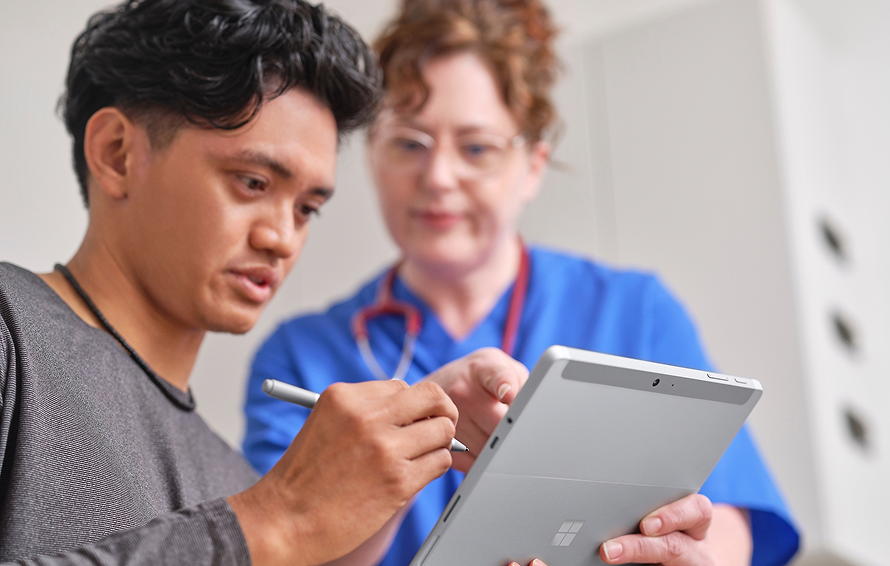
A go-live foundation you can build on
Opening day is only the start. A clinic IT setup has to stay stable as you onboard staff, add rooms, introduce new services, and increase appointment volume. That is why we design the fit-out as an operating foundation, not a one-time install. We document the environment, standardise devices, and confirm access is role-based so the clinic remains easy to support.
We also plan for what clinics often forget until it hurts: continuity. Backups, recovery steps, and simple contingency planning reduce the impact of internet issues, device failures, or software problems. The goal is a clinic that opens on time and stays calm as it grows.
We also plan for what clinics often forget until it hurts: continuity. Backups, recovery steps, and simple contingency planning reduce the impact of internet issues, device failures, or software problems. The goal is a clinic that opens on time and stays calm as it grows.

Our Team
Healthcare IT LeaderDelivering Real Results, Real Impact

Tony Carr
Chairman
Rob Khamas
Group Managing Director

Rend Nashi
Director of HR & Operations

Amanda Smith
Financial Controller

Damien Stephens
Board Advisor
Steve Bayad
Board Advisor

Muhammad Ibrahim
Group Technical Operations Manager
Ifti Azam
National Growth & Partnerships Manager

Minh Tran
Enterprise Account Director

Prashant Subedi
Senior Project Engineer

Ricardo Carerra
Project Engineer

Suren Lama
IT Technical Support Specialist
Testimonials
"Rend transformed our healthcare clinic's IT infrastructure completely. Their team understood our unique challenges and delivered solutions that exceeded our expectations. Patient data security and system uptime have never been better."

Lloyd Adams
Head of Growth - Genea Fertility
Rend Tech has supported Walker Street Doctors for many years. They were enormously helpful in setting up our systems in a way that were user friendly for our practice including remote access.
The systems that Rend Tech had in place protected us from a potential data breach in 2020, and saved the reputation of our practice from going the way of Optus or Medibank. They run online programs for GP owners and managers in cybersecurity. They helped guide us in our cybersecurity policy that we ask our staff to review annually.
Rend Tech recently helped us with our move to new premises. The move was seamless and expertly carried out with the bare minimum of business hours lost. Rend Tech are worth their weight in gold !.

Dr. Nerida McDonald
Principal GP & Founder
"Rend made our transition from Medical Director to Best Practice seamless and stress-free. Our systems were slow and holding us back, but their team not only uplifted our entire IT environment, they managed every aspect of the migration with precision. From conducting multiple trial conversions to working closely with our leadership team, Best Practice, and our third-party software vendors, everything was meticulously planned. The final migration was completed over the weekend, meaning we experienced zero downtime and were fully operational from day one. It truly felt like business as usual for our clinicians and staff, and we couldn’t be happier with the outcome."

Dr. Susan Culhane
Principal GP & Practice Partner
“REND Tech delivered a seamless IT rollout for The Paediatrics Practice, ensuring our systems were fully operational from day one. From network and cloud infrastructure to clinical application setup and security, everything was implemented with precision and aligned to our workflows. Our go-live was truly ‘business as usual’— with zero downtime, no data issues, and immediate access for all users. The planning, coordination with vendors, and attention to detail meant we could focus entirely on patient care from the moment we opened our doors.”

Dr Joe Meredith
Principal Specialist
Frequently asked questions
Find answers to your questions about our insurance coverage options.
Still have questions?
We're here to help you!
What do we need before opening day?
You typically need internet delivery and network infrastructure, secure Wi‑Fi, devices and user accounts, telephony, printing and scanning, your PMS and clinical software, plus backups and basic security controls. We help sequence this so each part is ready when you need it, then we validate end‑to‑end workflows (booking, consult, billing, results) so you are not discovering issues with patients waiting.
Can you coordinate fit‑out vendors and timelines?
Yes. We can manage the IT workstream and coordinate with your fit‑out team and vendors. The goal is to keep the project moving while reducing last‑minute changes, missed dependencies and rework. We also provide clear sign‑offs so everyone knows what “ready” looks like at each stage.
What are the cybersecurity and privacy requirements for a new GP practice?
Most new clinics need at minimum: practice management software (PMS), clinical software, secure messaging, Medicare/eClaiming, prescription services, reliable internet, wired and Wi-Fi networks, business-grade PCs, printers/scanners, backup and disaster recovery, cybersecurity tools, and secure email. The exact stack depends on your model of care and growth plans.
How do you handle privacy and security from day one?
We design access controls, device policies and recovery planning into the setup. That means role‑based permissions, secure sign‑in, sensible sharing and strong foundations for backup and recovery. Privacy and resilience become part of your clinic’s baseline operating model, not an afterthought once the clinic is already busy.
What does ongoing IT support for a GP clinic typically look like?
Ongoing IT support for a new clinic typically involves a managed, proactive approach, moving away from "break-fix" (repairing things only when they break) to 24/7 monitoring and preventative maintenance.
We've proudly delivered reliable IT solutions for GP clinics, specialists clinics, dental clinics and day hospitals.
We've proudly delivered reliable IT solutions for GP clinics, specialists clinics, dental clinics and day hospitals.